
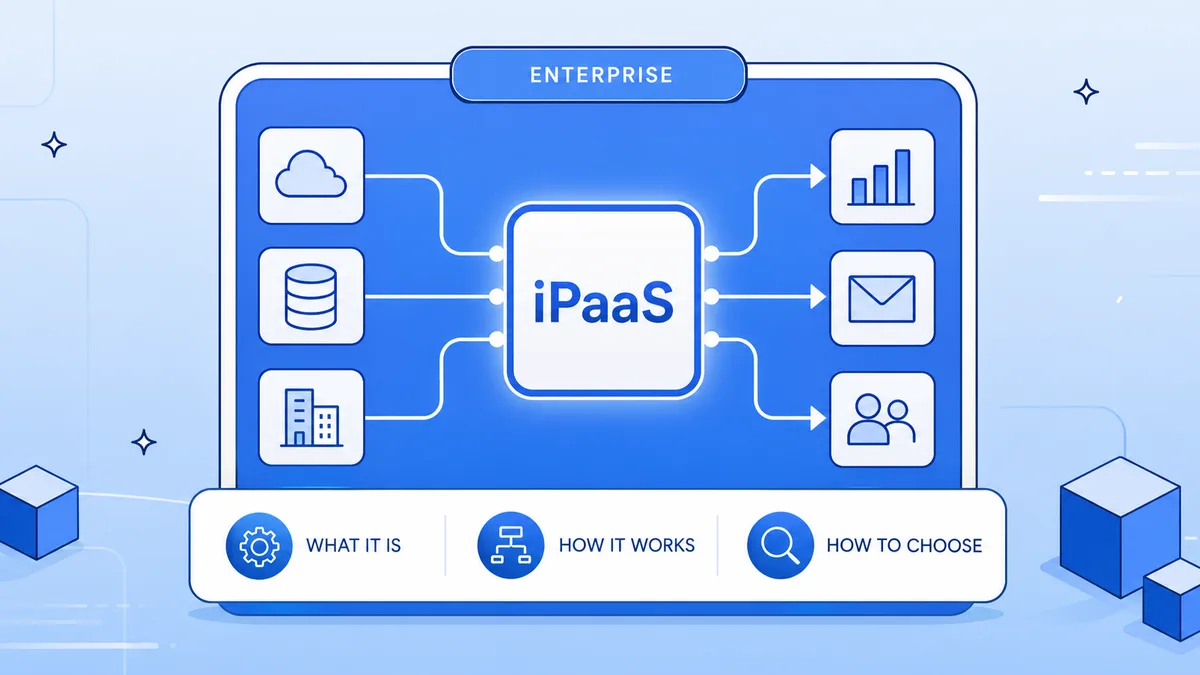
Integration Platform as a Service (iPaaS) is the backbone of the modern enterprise technology stack. As organizations run dozens — sometimes hundreds — of software tools, iPaaS is the layer that makes them work together.
This guide explains what enterprise iPaaS is, how it compares to consumer automation tools, and what to look for when evaluating platforms.
What is iPaaS?
iPaaS stands for Integration Platform as a Service. It's a cloud-based platform that enables organizations to connect applications, automate data flows, and orchestrate business processes across disparate systems — without custom code. (For what that definition leaves out once a platform hits production — billing behavior, observability, workflow ownership — see the production-honest guide.)
At its core, iPaaS does three things:
- Connects systems via pre-built connectors and REST API support
- Transforms data as it moves between systems using visual mapping tools
- Orchestrates business processes with conditional logic, scheduling, and error handling
Enterprise iPaaS vs. Consumer Automation Tools
Not all integration tools are the same. There's a meaningful difference between consumer-grade automation tools and true enterprise iPaaS:
| Capability | Consumer (Zapier, Make) | Enterprise iPaaS (Koodisi) |
|---|---|---|
| Governance | None | Workspace RBAC |
| API Management | None | Native API Manager |
| Dev Lifecycle | None | Dev → Deploy → Test |
| Pricing | Per-task (unpredictable) | Flat, predictable |
| Target User | Individuals / SMB | Enterprise teams |
| Error Handling | Basic | Advanced + DLQ |
Key Capabilities to Look For in Enterprise iPaaS
1. Visual Workflow Builder
Business users should be able to build integrations without developer involvement. Look for drag-and-drop builders with reusable templates and subflow support.
2. API Management
Enterprise iPaaS should include native API lifecycle management — the ability to publish APIs, manage access, and consume external APIs — all within the same platform.
3. Governance and RBAC
Role-based access control at the workspace level ensures IT can govern what business teams can build and deploy. This is non-negotiable for enterprise compliance.
4. Dev Lifecycle
A structured Dev → Deploy → Test → Promote pipeline ensures changes are validated before reaching production. This is missing from most consumer automation tools.
5. Observability
Built-in monitoring dashboards, error alerting, and execution metrics let teams see exactly what's running and catch failures before they impact the business.
Top Enterprise iPaaS Platforms in 2026
The enterprise iPaaS market includes several established players:
- Koodisi — modern no-code iPaaS with built-in API management and governance
- MuleSoft — comprehensive but expensive and complex
- Boomi — legacy platform with high TCO
- Workato — task-based pricing gets expensive at scale
- SnapLogic — data-engineering focused
How to Evaluate iPaaS for Your Enterprise
For the structural criteria that predict production fit beyond this checklist — pricing model behavior, observability depth, who holds the workflow logic — see how to evaluate iPaaS solutions for production fit. When evaluating iPaaS platforms, assess:
- Connector breadth — Does it natively connect your key systems?
- Business user accessibility — Can non-developers build workflows?
- Governance — Does it include workspace RBAC and audit logging?
- API management — Is API lifecycle management built in or a separate product?
- Pricing model — Is it predictable at your workflow volume?
- Time to value — How long until your first integration is live?
- Support — Is enterprise SLA and dedicated CSM included?
Conclusion
Enterprise iPaaS is the connective tissue of your technology stack. The right platform gives every team — HR, sales, finance, IT — the ability to automate their workflows without creating an IT bottleneck.
Koodisi is built for exactly this — modern no-code automation with enterprise governance, API management, and a structured dev lifecycle. Book a demo to see it in action.