
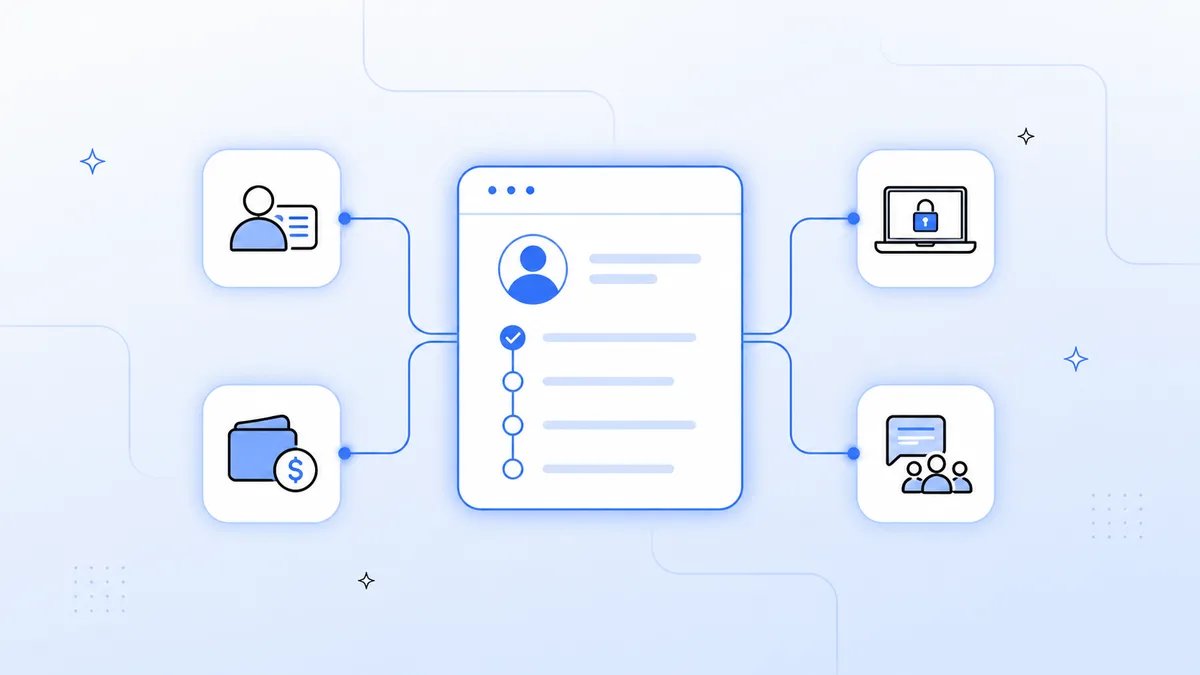
Employee onboarding is one of the most document-heavy, multi-system processes in any enterprise. A new hire's first day shouldn't be spent waiting for IT tickets — it should be spent doing the job they were hired for.
In this guide, we'll walk through how to automate the complete employee onboarding workflow using Koodisi.
Why Automate Employee Onboarding?
Manual onboarding processes are slow, error-prone, and expensive:
- Average manual onboarding takes 3–5 days of IT and HR admin time per employee
- 54% of companies report new hires don't have access to all required systems on day one (SHRM)
- Inconsistent experiences across departments damage your employer brand
Automation changes this. With Koodisi, you can reduce onboarding time from days to hours.
What to Automate in the Onboarding Workflow
A complete onboarding automation covers these systems, and it's really a specific instance of the broader HRMS integration most HR teams need across their whole stack:
- HRMS (Workday, BambooHR) — the trigger source
- Identity (Okta, Azure AD) — account provisioning
- IT (ServiceNow) — device and access request creation
- Payroll (ADP, Workday Payroll) — enrollment and tax setup
- Communication (Slack) — team introduction and channel membership
Step-by-Step: Building the Workflow in Koodisi
Step 1: Configure the Trigger
Set a Webhook activity to listen for the new_hire event from your HRMS. When a new employee record is created, the workflow fires.
Trigger: Webhook → HRMS new_hire event
Step 2: Enrich the Employee Record
Use the REST Client activity to fetch complete employee profile data — role, department, manager, start date, and assigned apps — from your HRMS API.
Step 3: Provision Identity Access
Call the Okta API using the REST Client activity to create the user account. Map employee attributes (name, email, department, role) to the Okta user profile using the Mapper activity.
Step 4: Create the IT Provisioning Request
Use the REST Client activity to create a ServiceNow onboarding task — laptop request, badge access, software licenses — all pre-populated from the employee record.
Step 5: Notify the Team
Use the SendMessage activity to post a Slack welcome message to the team channel, tagging the new hire's manager and introducing them to the team.
Step 6: Log and Report
Use the Log activity to write all provisioning steps to an audit log. Schedule a daily report summarizing all onboardings in progress.
What Does a Completed Workflow Look Like?
[Webhook: HRMS new_hire] →
[REST Client: Fetch employee profile] →
[Mapper: Map to Okta user schema] →
[REST Client: Create Okta user] →
[REST Client: Create ServiceNow task] →
[SendMessage: Slack welcome] →
[Log: Audit trail entry]
Total automation time: under 2 minutes from new hire record creation to full provisioning.
Connecting the Tools
Koodisi has native connectors for all major HRMS, identity, and communication tools:
- Workday and BambooHR for HRMS triggers
- Okta and Azure AD for identity provisioning
- ServiceNow for IT request management
- Slack and Microsoft Teams for communication
- ADP for payroll enrollment
Ready to Automate Onboarding?
Koodisi's visual workflow builder means you don't need to write a single line of code to build this. Book a demo and we'll show you how to build your first onboarding workflow in an afternoon.